
Crypto Payments for WooCommerce: Accept USDC and More Without a Custodian
Crypto Payments for WooCommerce: Accept USDC and More Without a Custodian
WooCommerce gives you control over your store. Your products, your branding, your customer data. Then you get to the payments page and you're back to asking permission.
Stripe doesn't work in dozens of countries. PayPal holds funds during disputes. Even dedicated crypto payment plugins often route your money through a processor's wallet before releasing it to you on their schedule — which trades one middleman for another.
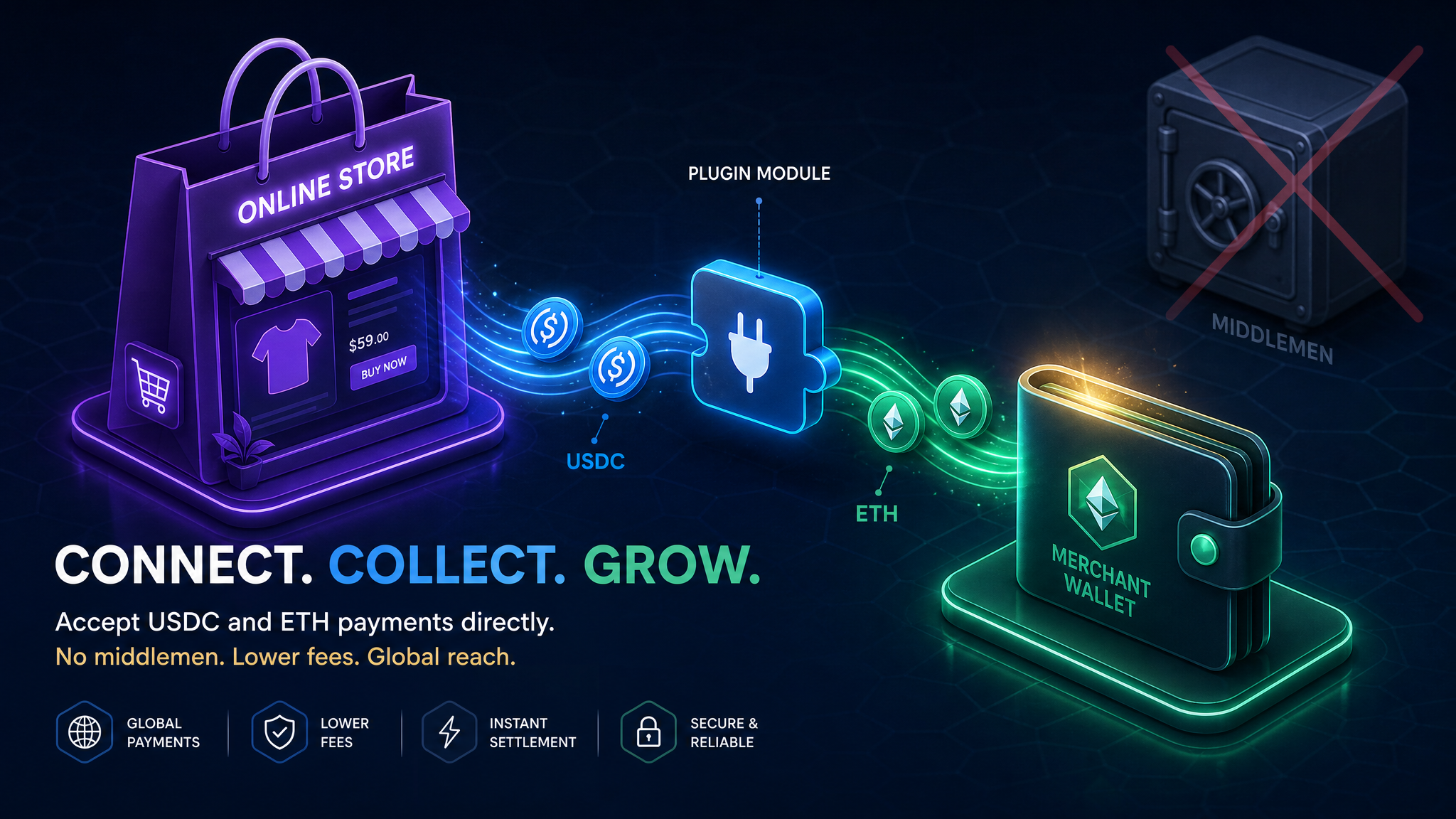
This guide shows a different setup: your customer pays, the money goes straight into your wallet, and the blockchain handles the rest. No intermediary sitting on your funds.
Why accept crypto payments on WooCommerce at all?
Most merchants don't switch payment processors unless something is actually broken.
Here's what's broken:
The geo-gate. Traditional processors gate both sides of a transaction by country. Some customers — in Southeast Asia, Africa, Latin America — literally can't pay you. Their card gets declined or your processor doesn't support their region. Any customer with a crypto wallet, anywhere, can pay you via QBitFlow. No country gates on either side.
The payout delay. Most processors hold your money for 2–7 days before releasing it to your bank. That's their money, temporarily. With direct on-chain settlement, funds arrive in your wallet within minutes of the payment confirming — no separate payout schedule.
No chargebacks. Blockchain payments are final. No reversal after you've shipped. You can still issue refunds yourself — that's your choice — but the customer can't claw it back through a card network. (Merchants are still responsible for applicable consumer laws and disputes in their jurisdiction; this removes the unilateral reversal mechanism, not the obligation to handle genuine disputes.)
The custodian problem with most WooCommerce crypto plugins
There's a subtlety most merchants miss: many "crypto payment plugins" still hold your money in the middle.
The flow looks like: customer wallet → processor wallet → your bank account (days later, via wire). You've changed the customer's experience without fixing your own payout problem.
QBitFlow's model: customer wallet → your wallet, in one transaction. The platform fee (1.5%) is split in the same on-chain transaction — 98.5% routes to your wallet, 1.5% to QBitFlow, simultaneously, with no separate payout step. The contracts handling this are open-source on github.com/QBitFlow and verifiable on-chain.
Your money, the minute it confirms.
What your customers see at checkout
When a customer chooses to pay with crypto, they're shown a checkout modal with a QR code and wallet connection prompt. They scan it from a mobile wallet, or connect a browser extension wallet (MetaMask, Coinbase Wallet, and others supported via WalletConnect). No account creation required on their end.
They choose which supported token to pay with, confirm the amount in their wallet, and submit the transaction. The WooCommerce order status updates automatically once the payment confirms on-chain. Customers don't leave your site for an exchange or a separate payment portal.
Gas fees are paid by the customer in the native currency of the chain they choose (ETH for Ethereum, SOL for Solana, etc.) — separate from the payment amount and your 1.5% fee.
What you can accept
Ethereum: ETH, USDC, USDT, EURC, DAI, WBTC, WETH, LINK
Base (lower gas costs, same security foundation as Ethereum): ETH, USDC, USDT, EURC, DAI, cbBTC, AERO, WETH
Solana (fast, near-zero network fees): SOL, USDC, USDT, EURC, DAI, LINK
You choose which tokens and chains to enable in the dashboard. Customers pay from whichever supported combination you've turned on.
How to accept USDC on WooCommerce in under 30 minutes
The plugin is live in the official WordPress plugin directory, so you can install it in one click straight from your WordPress admin — no ZIP to download, no code to touch.
1. Create your account Sign up at qbitflow.app/get-started — email and password, no paperwork.
2. Connect your wallet Browser extension or scan a QR code with your mobile wallet. This is the wallet that receives your payments. You're connecting it so QBitFlow can route funds — you're not pasting a public address, and nothing asks for a seed phrase or private key at any step.
If you'd rather not connect your main treasury wallet first, use a fresh wallet for testing (testnet mode drops free test funds to whatever wallet you connect).
3. Create your API key In the dashboard under Settings → API Keys.
4. Install the plugin In your WordPress admin, go to Plugins → Add New, search for "QBitFlow", then click Install Now and Activate. No coding, no ZIP upload. Your existing WooCommerce products don't need to be duplicated — the plugin uses order data from WooCommerce directly.
Prefer to install manually? Download the ZIP from WordPress.org (or the GitHub releases page) and upload it via Plugins → Add New → Upload Plugin.
5. Enter your API key in WooCommerce Under WooCommerce → Settings → Payments, find QBitFlow and enter the API key.
6. Configure your webhook endpoint In the QBitFlow dashboard under Settings → Webhooks, add your store's webhook URL. This is how your WooCommerce store gets notified when payments confirm. Set it once — it fires for all transactions.
7. Run a test payment Switch to test mode and run a full checkout. QBitFlow drops testnet funds to your wallet automatically on signup so you can test without real money.
8. Go live Flip to live mode in the dashboard. You're accepting payments.
Most stores complete this the same day — often in 30 minutes or less once you have a wallet ready.
Full docs at qbitflow.app/docs.
Accounting — the part most merchants forget
Crypto accounting is painful without the right export.
QBitFlow's dashboard exports every transaction as a 28-column CSV with: the on-chain transaction hash, block explorer link, token symbol, gross amount, USD value at time of receipt (fair market value at confirmation — what most tax authorities want for income recognition), platform fee breakdown, and net amount.
Drop this into QuickBooks, Xero, or your accountant's preferred tool and the historical USD rate reconstruction is already done. No manual block-explorer archaeology.
This doesn't replace tax advice — but it gives your accountant the fields they actually need.
Pricing
1.5% flat per transaction. No setup fee, no monthly fee, no withdrawal fee. The 1.5% is taken in the same on-chain transaction that pays you — you don't receive a gross amount and get invoiced separately.
Volume discounts available at $50K+/month — contact via the dashboard.
How QBitFlow compares to other WooCommerce crypto plugins
| QBitFlow | Coinbase Commerce | CoinGate | |
|---|---|---|---|
| Settlement | Direct to your wallet | Custodial (payout schedule) | Custodial (payout schedule) |
| Subscriptions | Yes (on-chain, token-only) | No | No |
| WP directory | Yes | Yes | Yes |
| Fee | 1.5% flat | 1% | 1–1.5% |
| Fiat conversion | No — crypto stays crypto | Yes | Yes |
| Chains | ETH, Base, Solana | Base, ETH | ETH, BTC, others |
If you need fiat in your bank account immediately, Coinbase Commerce or CoinGate may be a better fit today. If you want payments settling directly into a wallet you control, QBitFlow is built for that.
Is this right for your store?
Good fit:
- You want USDC, ETH, or SOL going directly into your wallet — no payout wait
- You sell to a global audience and some of your customers can't use card processors
- You sell digital subscriptions and want real on-chain recurring billing
- You run a standard WooCommerce store and want setup done in under 30 minutes
Not the right fit:
- You need automatic conversion to fiat before it hits your bank
- Your customers don't hold crypto wallets
- You need partial refunds (full refunds only for now)
Support
Questions while setting up? qbitflow.app/docs covers the full technical flow. The docs page links to the support channel if something isn't covered — and if your checkout breaks, there's a human on the other end, not a ticket queue going nowhere.
Frequently asked questions
Does QBitFlow hold my funds? No. The 1.5% fee is split in the same on-chain transaction as the payment itself. Your 98.5% goes straight to your wallet; QBitFlow's 1.5% goes to ours — in one step, with no intermediate custody.
What happens if a customer sends the wrong token or uses the wrong network? QBitFlow's checkout doesn't let the customer select an unsupported token or chain — they choose from what you've enabled. If they send from an exchange directly (bypassing the checkout UI), that's a wallet-level operation and would need manual reconciliation. The docs cover the edge cases.
Are the smart contracts audited? The contracts are open-source (github.com), fully verifiable on-chain, and built with security isolation as a design goal (per-subscription allowance separation, per-cycle caps committed in the signed digest). A formal third-party audit is on the roadmap — it hasn't been done yet. You can review the code before going live.
Does QBitFlow convert crypto to fiat? No. You receive the exact token the customer paid with, in your wallet. If you want fiat, you'd off-ramp via your own exchange.
Can I refund a crypto payment? Yes — full refunds. Customer-initiated from their self-management page. No partial refunds yet (roadmap item). You sign a transaction that sends the exact token amount back to the customer's wallet; gas on the refund transaction is a small network cost.
Is the plugin available in the WordPress directory? Yes — it's live in the official WordPress plugin directory. Install it in one click from your WordPress admin: Plugins → Add New → search "QBitFlow" → Install Now → Activate. No coding, no ZIP upload. (You can still install manually from the ZIP if you prefer.)
What WooCommerce version does it support? See the plugin GitHub page for current compatibility and release notes.
Install the plugin in one click from the WordPress plugin directory and get started at qbitflow.app/get-started.
Related Articles

How to Build an E-commerce Site with WordPress + WooCommerce + QBitFlow. Accept Crypto Payments in Under 30 Minutes.
Most WordPress stores accept cards. A small but growing percentage also accept crypto — not as a statement, but as a payment option that settles in seconds, costs less, and cannot be charged back. This tutorial walks through the full setup: signup, plugin install, configuration, test mode, and going live on Ethereum, Solana, or Base. About 30 minutes from zero to your first on-chain checkout.
Read more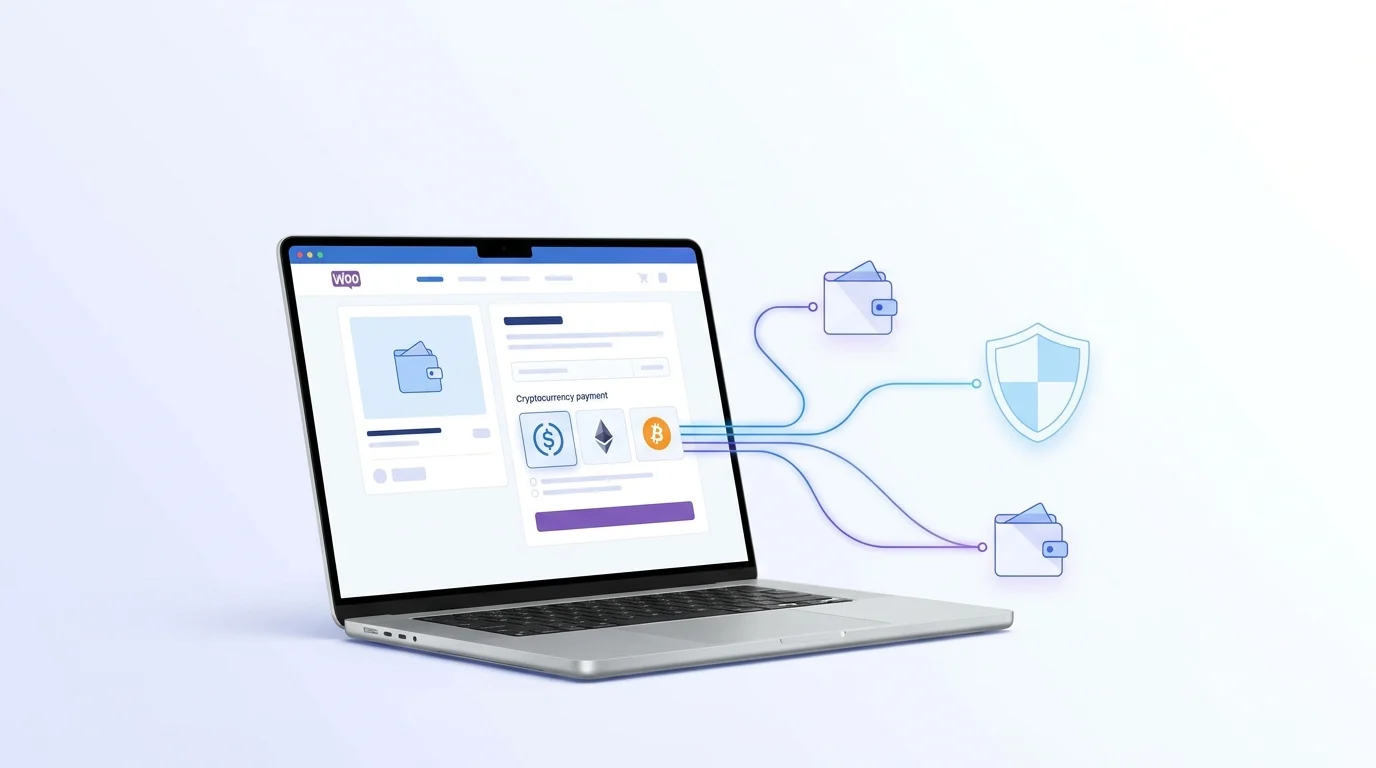
How to Accept Crypto Payments on WooCommerce (Without a Custodial Processor)
Your WooCommerce store can accept USDC, ETH, and other crypto today — without handing your funds to a third party, without KYC paperwork, and without waiting days for a payout. Here's exactly how to set it up.
Read more