Tutorial
How to accept crypto subscriptions (without holding your customers' money)
QBitFlow Team
3 min read
On this page · 6 sections
If you run a SaaS product or a membership business, "accept crypto" usually means a one-time button. You get paid once, then you're back to chasing the next invoice by hand. Real businesses run on recurring revenue, and that's the part most crypto payment tools quietly skip.
Here's how recurring crypto payments actually work when they're built properly, and what to look for so you're not stuck reconciling a blockchain by hand every month.
The problem with "crypto subscriptions" as usually sold
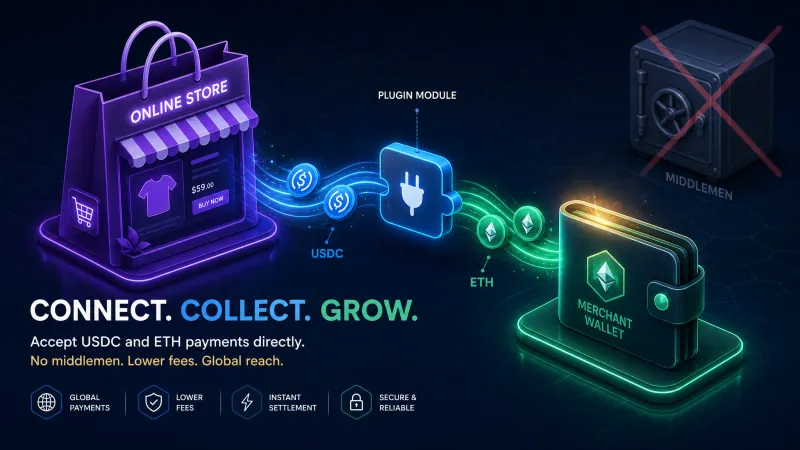
Most gateways bolt recurring billing onto a card mindset: they hold your customer's funds, or they hold your funds, and drip them out. The moment someone else custodies the money, you've re-created the exact risk you left card processors to escape: freezes, holds, an account that can be shut off.
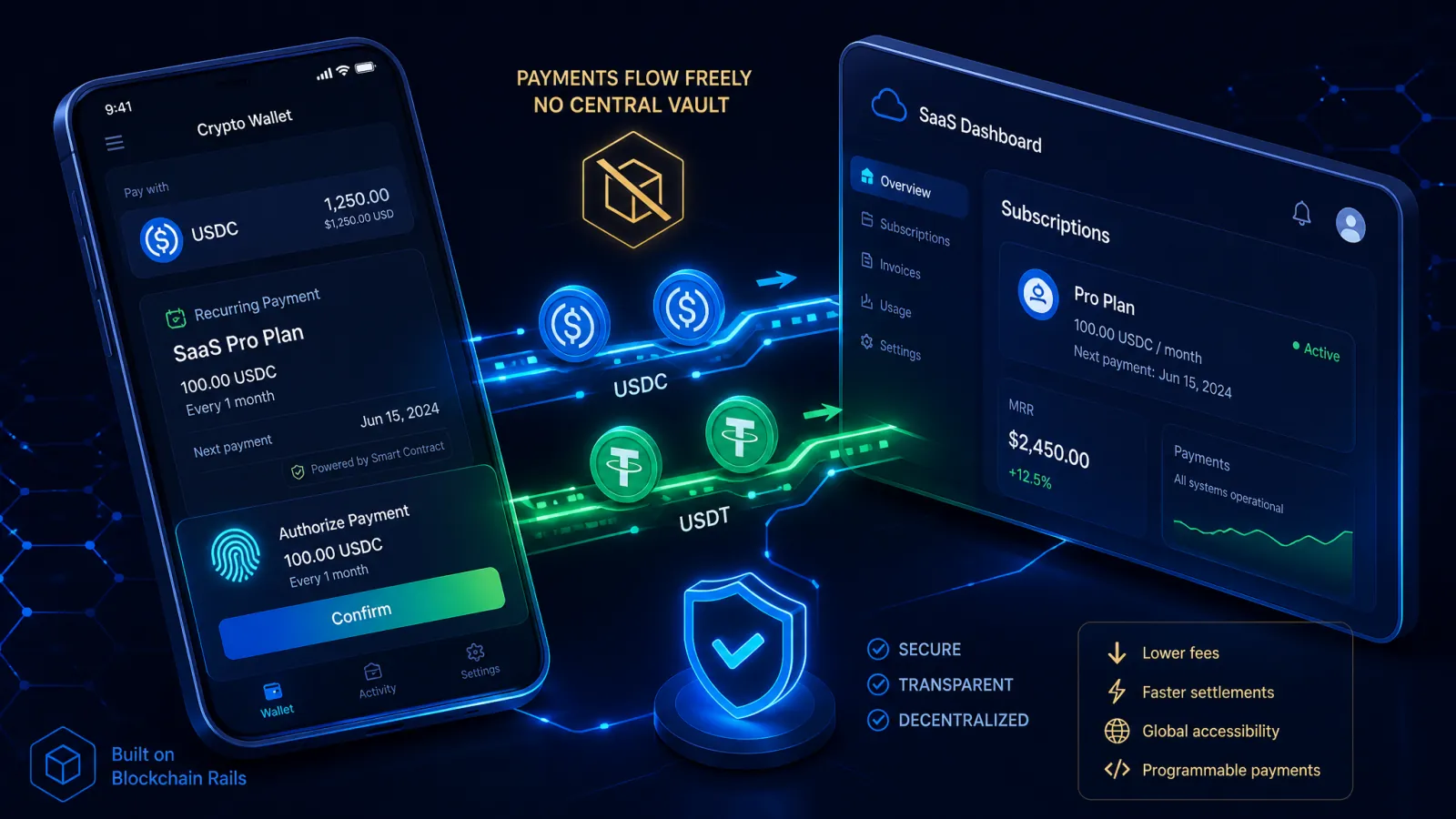
You want the opposite: money moves straight from your customer's wallet to yours, on a schedule, and nobody in the middle can touch it.
How it should work: spending-cap authorizations
Instead of storing a card, your customer signs one authorization that says: "this merchant may bill me this many periods, each at most this much, in this token." That allowance lives on-chain. On each due date, one bill executes against it. No re-prompting your customer, no stored credentials, no middleman balance.
Two things that matter here:
- The cap is committed in what the customer signed. Each bill is at most the maximum they signed, and never past the allowance. You can't quietly raise it. That's a trust feature, not a limitation, and it's why they'll say yes.
- Each subscription has its own allowance. What one subscription may bill is set by its own signature, not shared with anything else.
Free trials that start with a signature
The trial-to-paid drop-off usually happens at the wallet prompt. On QBitFlow, a free trial starts with a signed message: no transaction, no funds moved, no network fee. Your customer signs the subscription itself only when they confirm it, before the trial ends or within 7 days after. Fewer prompts, higher conversion.
The lifecycle you actually need to see
A subscription isn't just "active" or "cancelled." You need to see the states that predict churn before it happens:
actionRequired: "topUpAllowance": the last bill was paid, but what's left of the allowance covers about one more period or less. The subscription staysactive. That's your cue to point your customer to their page to top up, before a bill fails.pastDue: a bill actually failed. QBitFlow retries it 1, 3, 5 and 7 days after the first failure; if a retry is paid, it'sactiveagain, and after the last one it'scancelled.pausedandstopped: your customer paused it, or cancelled it and keeps the period they paid for.- Your own cancellation: you can end a subscription at once, or at the end of the period your customer paid for, without waiting on them.
Each change reaches your backend as a webhook (subscription.statusChanged, subscription.actionRequiredChanged, subscription.billingFailed). Seeing topUpAllowance a period early is the difference between a saved subscription and a silent cancellation.
What you keep
With a non-custodial setup, you receive the exact token your customer paid, with no conversion and no slippage. QBitFlow's fee is 0.99% per transaction, down to 0.5% as your volume grows, taken on-chain by the same transaction; there's no monthly platform bill and no separate invoice. The network fee is separate. You hold the keys to your money the entire time.
Getting started
Sign up, add your wallet (browser extension or a QR scan, no seed phrases, no pasting keys), create a product and issue an API key, then try it all on testnet. Our smart contracts are open-source on GitHub, and every payment is verifiable on-chain.
If recurring revenue is the business, the payment rail underneath it shouldn't be a one-time button. → qbitflow.app/get-started