
How to Add Crypto Payments to Any Website in 10 Minutes

How to Add Crypto Payments to Any Website in 10 Minutes
Your client sends you a message: "Can we accept crypto on the site?"
Or maybe you're building a side project and you want to accept USDC instead of dealing with Stripe's paperwork and 2.9% + $0.30 per transaction.
Either way, you Google it, and every guide you find is either a 45-minute deep dive into smart contract development or a marketing page that doesn't show you any actual code.
Here's the thing — adding crypto payments to a website is about as complicated as integrating any other payment API. Create a session, redirect the customer, handle the webhook. That's it.
Let me show you how. Real code, working examples, 10 minutes.
What We're Building
By the end of this tutorial, you'll have:
- A checkout flow that accepts crypto payments (ETH, USDC, SOL, and more)
- Webhook handling to fulfill orders when payments complete
- A working test environment to verify everything before going live
We're using QBitFlow — a non-custodial crypto payment API. "Non-custodial" means funds go directly from the customer's wallet to yours. QBitFlow never holds your money. The smart contracts are open-source, so you can verify exactly what's happening on-chain.
Prerequisites
You need three things:
- A QBitFlow account — Sign up here. It's free, and there's no KYB (Know Your Business) process. No paperwork, no approval wait.
- A crypto wallet address — Ethereum or Solana. Just the public address. You're not handing over any private keys or seed phrases.
- Your preferred SDK — QBitFlow has official SDKs for JavaScript, Python, and Go.
That's it. No business verification. No bank account linking. No waiting 3-5 business days.
Step 1: Install the SDK (2 minutes)
Pick your language:
Grab your API key from the QBitFlow dashboard after signing up. You'll get both a test key and a live key.
Step 2: Create Your First Payment (3 minutes)
Here's a complete Express.js example that creates a one-time payment and redirects the customer to QBitFlow's hosted checkout:
That's the entire checkout integration. The customer clicks "Pay," gets redirected to QBitFlow's hosted checkout page, picks their chain and token, pays, and gets sent back to your successUrl.
You can customize the hosted checkout page (theme and logo) from the QBitFlow dashboard to match your brand — so it doesn't feel like the customer left your site.
Python alternative
Same thing in Flask:
Same flow, same result. The API is identical across SDKs — only the syntax changes.
Step 3: Handle the Webhook (3 minutes)
Redirecting to a success page isn't enough — the customer could just navigate to /success directly. You need server-side confirmation via webhooks.
QBitFlow sends a POST request to your webhookUrl when the payment status changes. Here's how to handle it:
A few things to note:
- Always verify the signature. The
x-webhook-signature-256andx-webhook-timestampheaders let you confirm the webhook actually came from QBitFlow, not someone spoofing requests to your endpoint. status.txHashgives you the actual blockchain transaction hash. You can look it up on Etherscan or Solscan if you want to verify it yourself.- Respond with 200 quickly. Do your heavy processing (database updates, emails) asynchronously if needed.
Step 4: Test It (2 minutes)
QBitFlow has a test mode so you don't need to spend real crypto while developing.
- Use your test API key from the dashboard (it's separate from your live key)
- Pick a testnet: Sepolia for Ethereum, Devnet for Solana
- Get free test tokens:
- Sepolia ETH: Google Cloud Faucet
- Testnet USDC: Circle Faucet
- Create a test payment, go through the checkout, and watch the webhook fire
Use a tool like ngrok to expose your local webhook endpoint if you're developing locally:
Make a test payment, check your server logs, confirm the webhook arrives with status.status === TransactionStatusValue.COMPLETED. Done.
Bonus: Add Subscriptions (5 more minutes)
One-time payments are great, but if you're building a SaaS, you probably need recurring billing. Here's how subscriptions work with QBitFlow:
The API looks almost identical to one-time payments — you just add a frequency field.
Here's what happens under the hood: the customer approves a spending cap via a smart contract during checkout. After that, QBitFlow automatically bills them every cycle (monthly, weekly, whatever you set). The funds stay in the customer's wallet until each billing date — nothing is locked up or escrowed.
No manual charging. No cron jobs to trigger payments. No chasing failed cards. The smart contract handles it.
Managing Subscriptions
Once a subscription is created, QBitFlow handles billing automatically. All you need to do is periodically check the subscription status — say once a day, or near the next billing date — and act accordingly:
Based on subscription.status, you can decide what to do:
active— All good, nothing to do.past_due— The latest payment failed. QBitFlow will retry automatically, but you should notify your customer (e.g. ask them to top up their wallet).- Check the full list of subscription statuses for all possible states.
You can also pull the full payment history for a subscription:
Testing Subscriptions
In test mode, you can manually trigger a billing cycle instead of waiting:
Note: This only works in test mode. In live mode, billing cycles are executed automatically based on the subscription frequency.
Why This Approach Works
If you've integrated Stripe before, this probably felt familiar. That's intentional. But there are some key differences worth understanding:
Non-custodial. Funds go directly from the customer's wallet to yours via smart contracts. QBitFlow never holds your money. There's no "balance" to withdraw — it's already in your wallet.
No KYB. No business registration documents. No proof of address. No waiting for manual review. Sign up, add your wallet, start accepting payments.
Open-source smart contracts. Every payment flows through contracts you can read on GitHub. No black boxes.
1.5% flat fee. No per-transaction fixed fee. No withdrawal fees. No hidden charges. On a $10 payment, that's $0.15 — compared to $0.59 with Stripe's 2.9% + $0.30.
Zero chargebacks. Blockchain transactions are final. No disputes, no fraud reversals, no chargeback fees.
Works globally. No geo-restrictions. If your customer has a crypto wallet, they can pay. No worrying about which countries your payment processor supports.
QBitFlow vs. Stripe: Quick Comparison
| Stripe | QBitFlow | |
|---|---|---|
| Fee | 2.9% + $0.30 | 1.5% flat |
| Setup | Business verification required | No KYB, instant |
| Chargebacks | Yes (+ $15 fee) | Impossible (blockchain = final) |
| Payouts | 2-7 day rolling basis | Instant (direct to wallet) |
| Global | Limited by country | No restrictions |
| Custody | Stripe holds funds | Non-custodial (your wallet) |
| DX | Excellent | Excellent |
This isn't a "Stripe bad" argument. Stripe is great for card payments. But if you want to accept crypto — or your users are asking for it — QBitFlow gives you the same developer experience on crypto rails, with lower fees and less friction.
What's Next
You've got a working crypto payment integration. Here's where to go from here:
- API Documentation — Full reference for all endpoints, webhook events, and SDK methods
- GitHub — SDKs, smart contracts, and example projects
- Dashboard — Manage payments, customize your checkout page, view transaction history
The whole point of this tutorial was to show you that adding crypto payments isn't some massive undertaking. It's an API integration. You've done dozens of those.
Related Articles

QBitFlow vs Stripe: A Complete Fee Comparison for 2026
A detailed comparison of Stripe and QBitFlow fees in 2026. See how much you could save by accepting crypto payments with a non-custodial payment processor.
Read more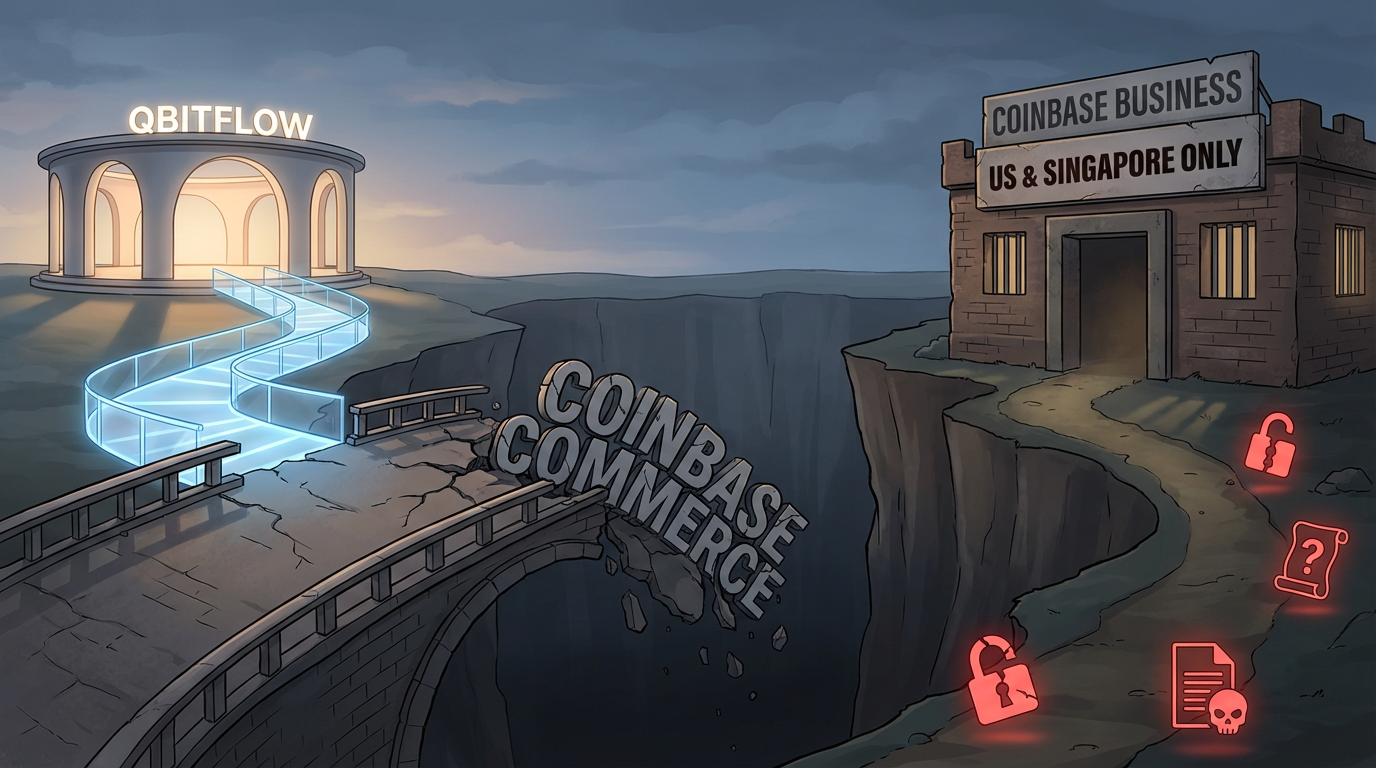
Coinbase Commerce Is Shutting Down — Here's How to Migrate in 10 Minutes
Coinbase Commerce shuts down on March 31, 2026, forcing merchants onto Coinbase Business — a custodial replacement limited to the US and Singapore and surrounded by alarming migration practices (including a seed-phrase submission form).
Read more